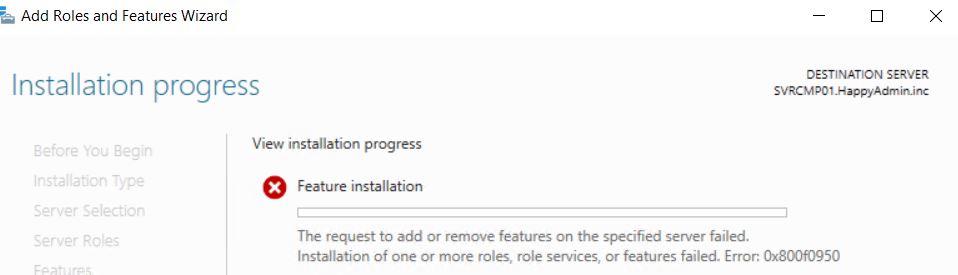
By default, .NET Framework 3.5 is not installed on Server 2019 and also the sources are not getting installed. If you open Roles and Features and select the feature and start the installation you are likely to get an error message (0x800F0950). The same is true when you download it from the Microsoft content server and try to install it by dism or Enable-WindowsOptionalFeature.
You have to take the sources from the sources\sxs folder of the Server 2019 iso file. If you have the installation DVD still inserted (which is usually the case if you set up a virtual machine) you can enter the path (probably d:\sources\sxs) on the Confirmation page of the Add-Roles-And-Features-wizard by selecting Specify an alternate source path.